

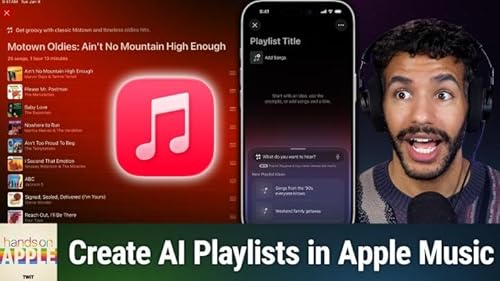
Hands-On Apple 231: Using Playlist Playground
Failed to add items
Sorry, we are unable to add the item because your shopping cart is already at capacity.
Add to basket failed.
Please try again later
Add to wishlist failed.
Please try again later
Remove from wishlist failed.
Please try again later
Adding to library failed
Please try again
Follow podcast failed
Unfollow podcast failed

Hands-On Apple 231: Using Playlist Playground
-
Narrated by:
-
By:
Summary
Apple Music's Playlist Playground does more than just pick songs; it curates playlists that actually flow together, tailored to your mood or activity. Mikah shows how to craft and customize dynamic playlists with minimal effort.
- How Playlist Playground differs from classic playlist and Siri options
- Step-by-step demo: Creating playlists with plain language prompts
- Editing and customizing AI-generated playlists, adjusting song choices
- Adding, removing, and refreshing songs within Playlist Playground
- Changing playlist artwork and privacy sharing options
- Organizing Playlist Playground creations for easy access
- Playlist flow and song order improvements with AI
- Age, subscription, and device requirements
Host: Mikah Sargent
Download or subscribe to Hands-On Apple at https://twit.tv/shows/hands-on-apple
Want access to the ad-free audio and video and exclusive features? Become a member of Club TWiT today! https://twit.tv/clubtwit
Club TWiT members can discuss this episode and leave feedback in the Club TWiT Discord.
Sponsor:
- Melissa.com/twit
adbl_web_anon_alc_button_suppression_c
No reviews yet